
Connection Settings
Fill in the form and click Save & Connect. For remote servers use SSH tunneling; Google Cloud SQL instances can connect through the Cloud SQL Auth Proxy.
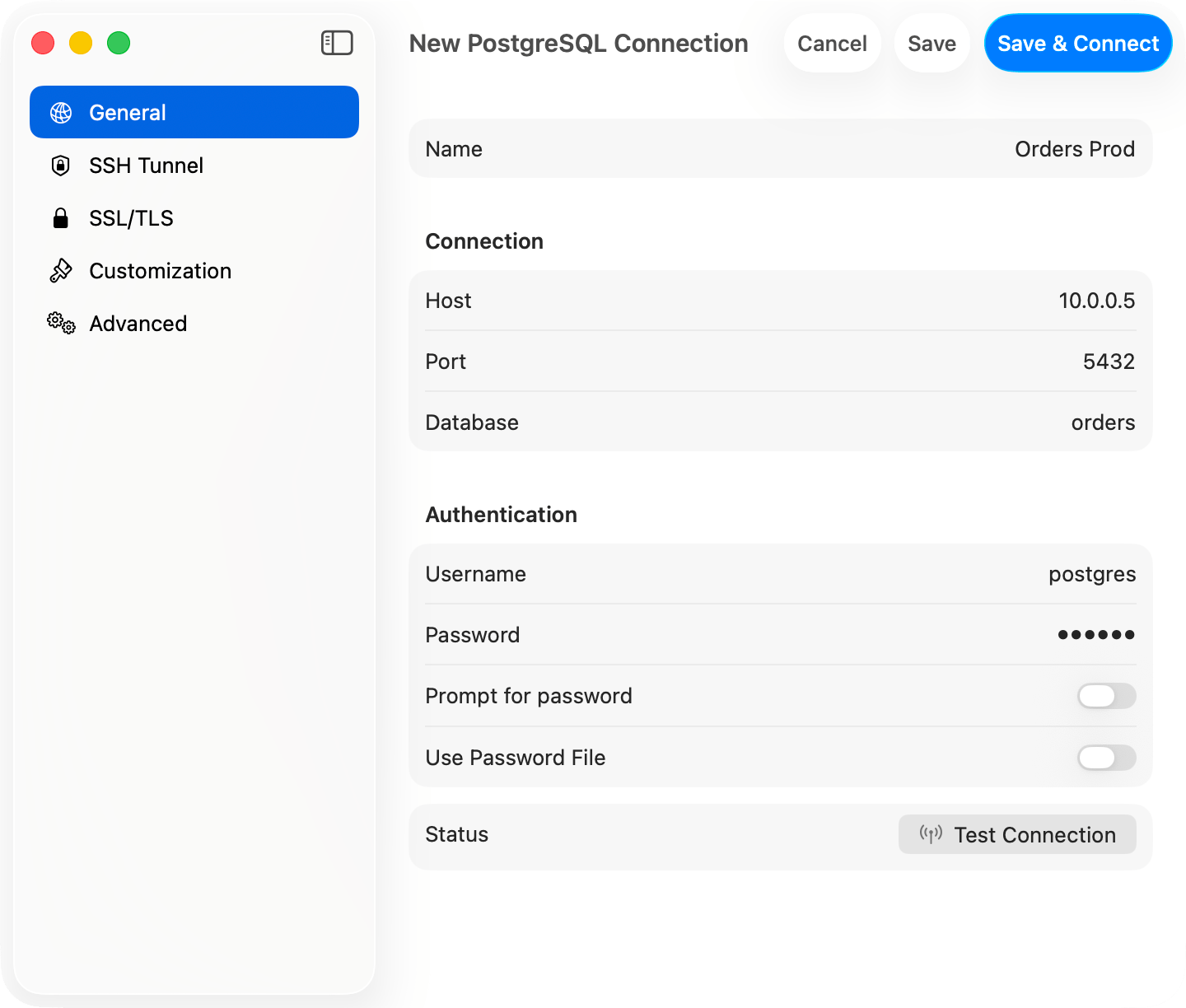
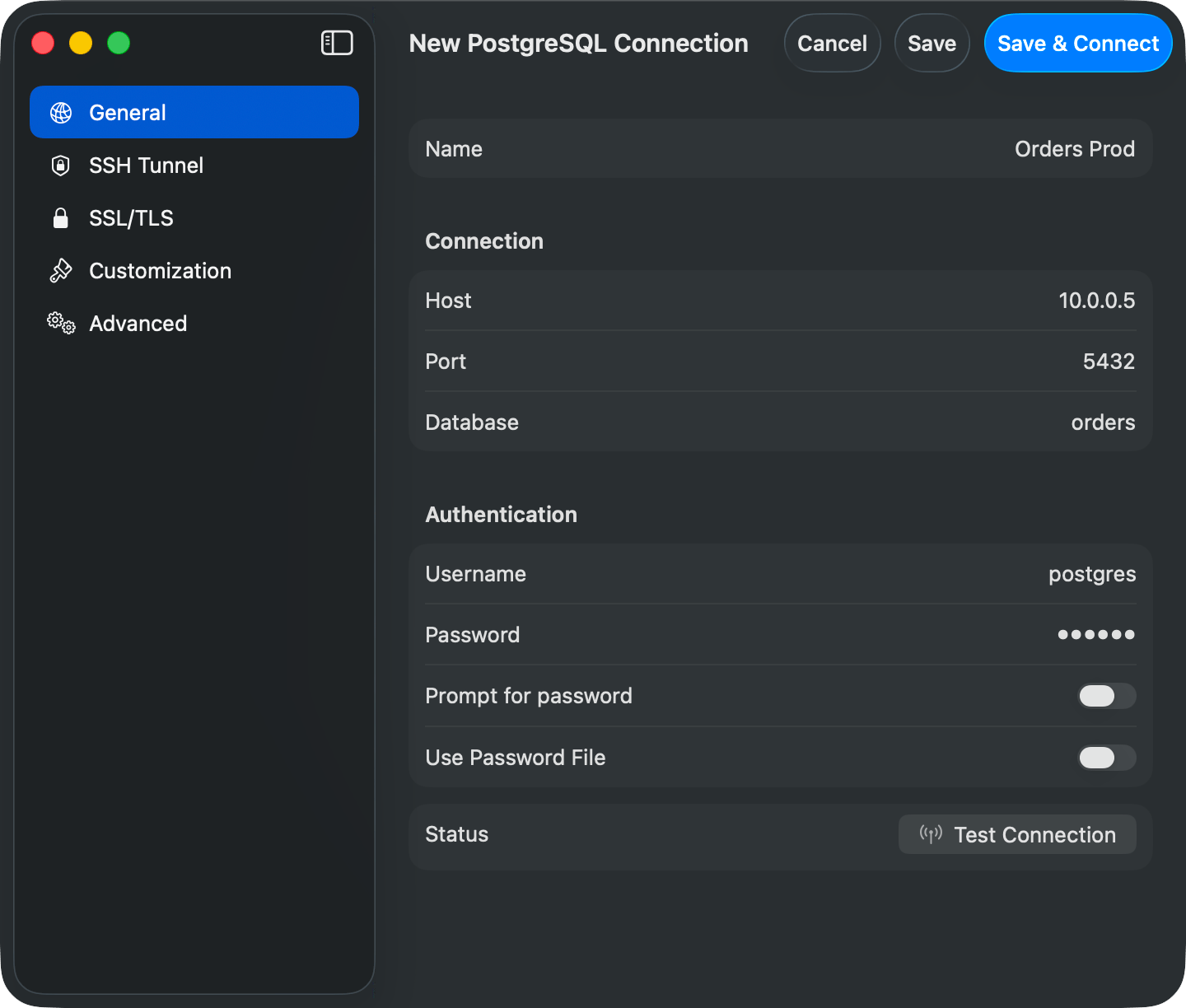
PostgreSQL connection form
Connection URL
postgres:// also works. Opening a URL connects directly. See Connection URL Reference.
AWS IAM Authentication
Connect to RDS or Aurora with your AWS identity instead of a static password: set Authentication to an AWS IAM option and set Username to a database role grantedrds_iam. See AWS IAM Authentication for setup, credential sources, and troubleshooting.
Features
Schemas: The sidebar shows all accessible schemas and tables. Cmd+K switches databases; pick the active schema from the schema menu at the bottom of the sidebar. Table info shows columns, indexes, constraints, and DDL. Databases: Every database on the server is listed, includingpostgres. It is an ordinary database that initdb creates for users and applications, not a system database. template0 and template1 are not listed.
Partitioned tables: A partitioned table is listed once, under its own icon. Its partitions are not listed beside it; expand the table in the sidebar to see them, and expand a partition again if it is subpartitioned. Opening a partition works like opening any other table. Tables that use the older INHERITS inheritance are listed normally, since a child there is a table in its own right. Requires PostgreSQL 10 or later, which is where declarative partitioning was added.
Types: jsonb renders as formatted JSON. array, uuid, inet, timestamp with time zone, interval, and bytea display natively.
EXPLAIN: EXPLAIN and EXPLAIN ANALYZE run with FORMAT JSON and render as a plan diagram or tree. See EXPLAIN Visualization.
PostGIS: geometry and geography columns render as EWKT with the SRID preserved (SRID=4326;POINT(-73 40.7237)) instead of the raw EWKB hex libpq returns. TablePro detects spatial columns from a one-time pg_type lookup at connect time and converts fetched values with ST_AsEWKT(...). Your query is never re-run, so parameterized and multi-statement queries render EWKT too. If conversion fails, the raw hex is kept without an error.
Users & Roles: Manage database users, roles, and privileges under View > Users & Roles: see where each privilege comes from, then grant or revoke it. See Users & Roles.
Backup & Restore: Backup Dump and Restore Dump run pg_dump and pg_restore. Among TablePro’s databases this is available for PostgreSQL and Redshift only. See Backup & Restore.
Cross-Database Tabs
A tab stays on the database and schema it was opened with for its whole life, even if the sidebar or another tab switches to a different one. See Tabs. PostgreSQL, like Redshift and CockroachDB, changes database only by reconnecting: there is no in-placeUSE statement. So a tab bound to a database other than the connection’s active one runs on a separate connection for that database instead.
That separate connection means the tab does not share temp tables, session variables, or an open transaction with the query editor on the main connection. Keep session-scoped work, such as a multi-statement transaction or a CREATE TEMP TABLE, on tabs bound to the same database if they need to see each other’s state.
PGlite cannot open a second connection at all, so a PGlite tab bound to a database the connection is not on reports an error naming that database instead of running the query against the wrong one.
Advanced
~/.pgpass: formathostname:port:database:username:password, wildcards (*) allowed. libpq silently ignores the file unless its permissions are 0600.
Startup Commands (Advanced tab): SQL that runs on every connect, e.g. SET timezone = 'UTC'; SET search_path TO myschema, public;.
Pre-Connect Script (Advanced tab): a shell script that runs before connecting, e.g. to refresh credentials from a secrets manager. 10-second timeout.
SSL/TLS
New connections default to Preferred (libpqsslmode=prefer), which tries TLS first and falls back to plain. Pick Verify CA to validate the server certificate. See SSL/TLS.
Troubleshooting
Connection refused: check the server is running,listen_addresses in postgresql.conf allows remote connections, and the firewall allows port 5432.
Auth failed: check pg_hba.conf for the auth method (scram-sha-256 or md5 for passwords, trust for local dev).
Postgres-compatible engines: connect wire-compatible engines using the PostgreSQL type. TablePro probes which system catalogs the server provides, so engines that omit catalogs like pg_matviews still load their tables; object kinds the server does not expose just won’t appear.